
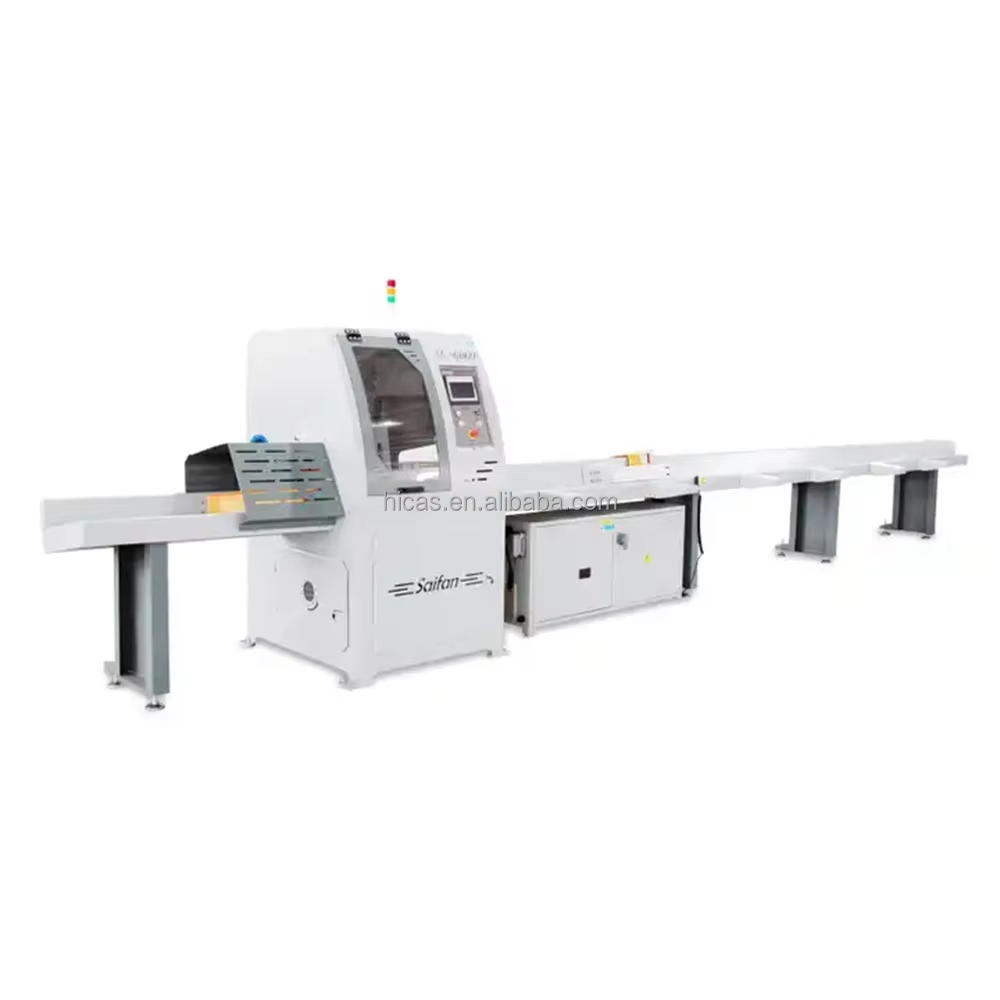
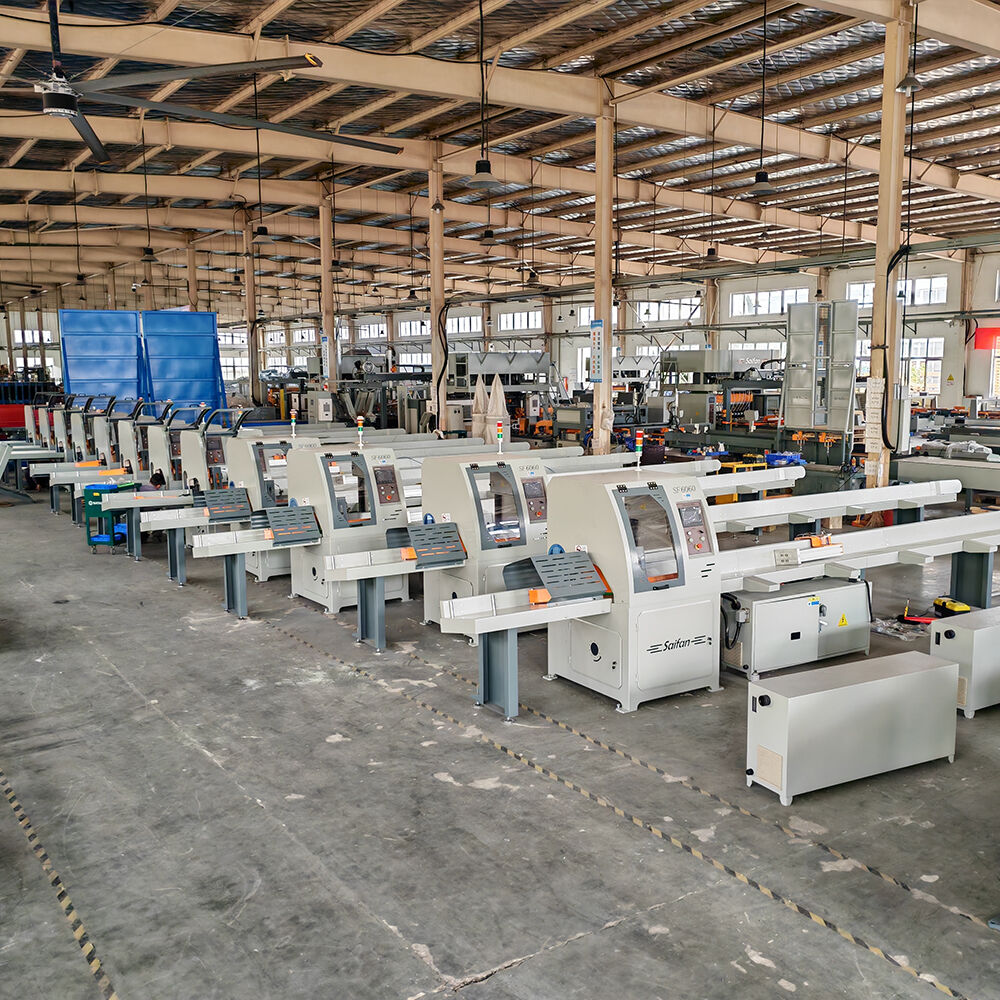
SF6060: Safety, Operation, Maintenance & Common Troubleshooting Guide
Whether you’re a new operator or a seasoned maintenance technician, understanding the safety protocols, operational steps, and troubleshooting tips for the SF6060 is critical to ensuring smooth, safe, and efficient operation. This guide breaks down everything you need to know in a clear, easy-to-follow format—perfect for quick reference during daily use.
1. Safety, Operation & Maintenance Precautions
Follow these guidelines to protect yourself, extend the equipment’s lifespan, and avoid costly downtime:
- Personal Safety First: Never put your hands or head into the machine’s working area during operation—this can cause serious personal injury.
- Dust Collection Requirement: Always connect the dust collection system during operation. Ensure the suction power is sufficient and the dust pipes are unobstructed.
- Timber Size Limit: Only saw timber within the machine’s allowable range; exceeding this range may damage the equipment.
- Regular Dust Cleaning: Clean dust from the machine’s guide rails and internal components every shift. Accumulated dust shortens the machine’s service life and causes malfunctions.
- Slider Lubrication: Before starting the machine, lubricate the sliders with a grease pump. Use No. 0 or No. 00 lithium grease and special guide rail lubricating oil—once per shift.
- Poly V-Belt Check: The sawing power is transmitted by poly V-belts (wear parts). Check belt tension before each shift: tighten if loose, replace if damaged.
- Saw Blade Maintenance: Repair or replace the saw blade immediately if it becomes dull or has missing cutting edges.
2. Common Faults & Troubleshooting Methods
Encounter a problem with the SF6060? Use this quick reference to identify the issue and fix it fast. Always ensure air pressure is normal (where noted) before troubleshooting.
Fault 1: Pusher stops suddenly during feeding (servo alarm on display)
Troubleshooting: Power off the machine, restart after 30 seconds. When resuming sawing, pay attention to the timber’s bending direction.
Fault 2: In length measuring mode, timber stops after passing the photoelectric sensor (or feeds non-stop without sawing)
Troubleshooting: Clean dust from the length measuring photoelectric sensor. Press "Stop" on the operation interface, remove the timber, then press "Return to Zero."
Fault 3: Saw blade gets stuck during sawing (motor makes overload noise)
Troubleshooting: Stop the machine immediately. Check: - Saw blade sharpness (repair/replace if needed) - Poly V-belt tension (tighten/replace if loose) - Timber hardness: If too hard, reduce the saw blade’s rising speed by adjusting the sawing cylinder’s flow valve.
Fault 4: Smoking during sawing
Troubleshooting: Check if the saw blade is rotating in reverse (inspect external wiring); repair or replace the saw blade if it’s dull.
Fault 5: Display shows "Sawing Return Home Error" (ensure normal air pressure)
Troubleshooting: Enter the debugging interface and click "Sawing Return." Check if the induction switch under the sawing cylinder is on: - If on: Machine is ready for normal operation. - If off: Loosen the induction switch’s set screw, move it up/down along the cylinder by hand until it lights up, then fix it in place.
Fault 6: Display shows "Sawing In-place Error" (ensure normal air pressure)
Troubleshooting: Enter the debugging interface and click "Sawing Forward." Check if the induction switch on the sawing cylinder is on: - If on: Machine is ready for normal operation. - If off: Keep pressing "Sawing Forward" in the debugging interface, loosen the induction switch, move it up/down along the cylinder by hand until it lights up, then fix it. (Two-person operation recommended: one moves the switch, the other operates the interface.)
Fault 7: Display shows "Beam Return Home Error" (ensure normal air pressure)
Troubleshooting: Enter the debugging interface and click "Beam Return." Check if the induction switch on the beam cylinder is on: - If on: Machine is ready for normal operation. - If off: Check if the switch has fallen off. If intact, loosen its set screw, move it up/down along the cylinder by hand until it lights up, then fix it.
Fault 8: Display shows "Material Pusher Not in Original Position" (ensure normal air pressure)
Troubleshooting: Enter the debugging interface and click "Pusher Return." Check if the induction switch under the pusher cylinder is on: - If off: Check for obstructions near the side pusher and if the switch has fallen off. If intact, keep pressing "Pusher Return," release the switch’s clamp, move it along the cylinder by hand until it lights up, then fasten the clamp.
Fault 9: Display shows "Motor Overheat & Overload"
Troubleshooting: Open the electric control cabinet, press the black button of the thermal magnetic circuit breaker, and restart the machine after 30 seconds.
Fault 10: Display shows "No Timber or Timber Too Short"
Troubleshooting: Clean dust under the length measuring probe and press "Stop."
Fault 11: Sawing motor fails to start
Troubleshooting: Close the safety guard door—equipped with a safety switch that stops the saw blade when open.
Fault 12: Display shows "Emergency Stop Alarm"
Troubleshooting: Rotate and reset the emergency stop button; check if the pull rope emergency switch is triggered.
Pro Tip: Regular maintenance (per the guidelines above) is the best way to prevent most common faults. Keep this guide handy for quick reference, and always prioritize safety when operating the SF6060.
Table of Contents
- 1. Safety, Operation & Maintenance Precautions
-
2. Common Faults & Troubleshooting Methods
- Fault 1: Pusher stops suddenly during feeding (servo alarm on display)
- Fault 2: In length measuring mode, timber stops after passing the photoelectric sensor (or feeds non-stop without sawing)
- Fault 3: Saw blade gets stuck during sawing (motor makes overload noise)
- Fault 4: Smoking during sawing
- Fault 5: Display shows "Sawing Return Home Error" (ensure normal air pressure)
- Fault 6: Display shows "Sawing In-place Error" (ensure normal air pressure)
- Fault 7: Display shows "Beam Return Home Error" (ensure normal air pressure)
- Fault 8: Display shows "Material Pusher Not in Original Position" (ensure normal air pressure)
- Fault 9: Display shows "Motor Overheat & Overload"
- Fault 10: Display shows "No Timber or Timber Too Short"
- Fault 11: Sawing motor fails to start
- Fault 12: Display shows "Emergency Stop Alarm"