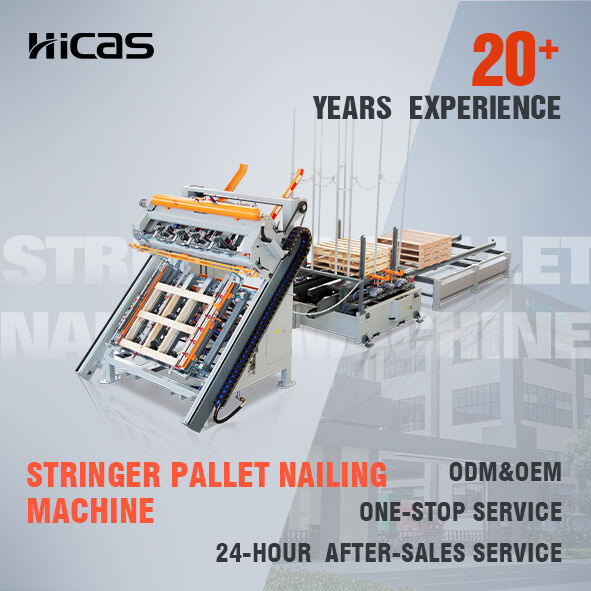
SF9025 Basic Operation Instructions
①. Power and Air Supply Connection
1. Connect the Air Supply
- Connect the compressed air source. (Ensure the air is dry and the air supply is sufficient.)
- Adjust the pressure regulator to meet the required nailing pressure.
Pressure Settings:
- Main air treatment unit: 0.65–0.8 MPa
- Nail gun lubrication system: Uses the original external air pressure supplied to the machine.
2. Turn on the Power
- Switch on the circuit breaker.
- Turn on the main power switch.
②. Pallet Size Adjustment
Adjust the molds and nail gun positions according to the required pallet dimensions. It is recommended not to adjust the mold and nail gun positions on the side closest to the electrical cabinet whenever possible.
Adjustment Procedure
1. Adjust Mold Position
- Loosen the fastening screws at both ends of the mold.
- Move the mold to the required position and ensure it remains vertical without tilting.
- Tighten the screws after adjustment.
2. Adjust Nail Gun Position
- Turn the selector switch on the main control panel to Manual Mode.
- Press the Gantry Forward button to move the gantry until the nail gun is close to the pallet edge.
- Loosen the clamping screws on the upper and front sections of the nail gun mounting plate, as well as the upper clamping screw of the nail magazine.
- Adjust the nail gun and nail magazine positions.
- Ensure the nail gun nozzle aligns with the center of the pallet stringer.
- Tighten all screws after adjustment.
3. Adjust Nail Gun Height
(1) Standard Height Adjustment
- Loosen the handle bolts on both sides of the gantry.
- Use the supplied adjustment crank:
- Clockwise: Raise the nail gun.
- Counterclockwise: Lower the nail gun.
- Adjust until the nail gun guard plate is close to the pallet deck board.
- Retighten the handle bolts after adjustment.
(2) Additional Height Adjustment
- If the required position cannot be reached after raising the nail gun to its maximum height, adjust the bolt on top of the nail gun mounting plate:
- Clockwise: Raise the nail gun.
- Counterclockwise: Lower the nail gun.
- Tighten the lock nut after adjustment.
Important Notice
After all nail gun adjustments are completed:
- Move the gantry forward and backward through one complete cycle.
- Check whether the nail gun or nail chute interferes with the mold.
③. Start Nailing
(1) Automatic Operation
- Turn the selector switch to Automatic Mode.
- Press Nailing Servo Home.
- After the gantry returns to its home position, place the pallet components in position.
- Press the Start Nailing button located on the gantry to begin operation.
(2) Emergency Pause
- If an unexpected situation occurs during operation, press the pause linkage located at the front of the gantry.
- After resolving the issue, press the reset button and the machine will continue operation.
(3) Emergency Stop
- If the emergency stop button is pressed, the gantry must be re-homed after the issue is resolved.
- The pallet production process must then be restarted.
④. Operating Modes
After startup, the production screen on the touchscreen provides two operating modes:
Touchscreen Modes
Selector Switch Positions on the Small Control Panel
-
Left Position: Bottom Deck Mode
-
Center Position: Automatic Mode
-
Right Position: Panel Mode
Standard Mode
Used for producing standard pallets with both bottom deck boards and top deck boards.
Available options:
-
Bottom Deck Mode: Nails only the bottom deck.
-
Automatic Mode: Nails the bottom deck first, then the top deck.
-
Panel Mode: Nails only the top deck. The pallet is discharged after completion.
Touchscreen Panel Mode
Used for pallets with top deck boards only and no bottom deck.
When Panel Mode is selected:
- The selector switch must be set to the Panel Mode position.
- The pallet is automatically discharged after the panel nailing process is completed.
⑤. Parameter Adjustment
(1) Adjust Nailing Positions
- Adjust the nailing positions and nail spacing according to the width of the deck boards.
(2) Install Sensor Tabs
- Fix the sensing tabs at the required nailing positions.
- Whenever the gantry reaches a preset position, the U-shaped photoelectric sensor detects the sensing tab and automatically triggers the nail gun.
(3) Set Stacking Quantity
- Define how many finished pallets will be stacked in one pile.
⑥. Production Procedure
After all specifications and parameters have been adjusted, follow the steps below:
Step 1
- Connect the air supply.
- Turn on the machine power.
Step 2
- Check the touchscreen for alarms.
- Home the machine.
Step 3
Select the desired operating mode (Automatic Mode example):
- Select Automatic Mode.
- Verify that the corresponding indicator light is illuminated.
- Place the stringers into the mold.
- Press the Bottom Deck Positioning button.
- The stringers will be clamped, and the bottom deck positioning cylinder will rise.
- The Bottom Deck Nailing Indicator should illuminate.
- If it does not light up, check for machine faults.
Step 4
- Place the bottom deck boards onto the pallet.
- Press the Bottom Deck Nailing Start button.
- The bottom deck boards are automatically clamped.
- The nail gun lowers and begins nailing.
Step 5
- After bottom deck nailing is completed, the gantry returns to its home position.
- The Panel Nailing Indicator illuminates.
- Flip the pallet.
- Press the Panel Positioning button.
- The panel positioning cylinder activates.
Step 6
- Place the top deck boards onto the pallet.
- Press the Panel Nailing Start button.
- The top deck boards are automatically clamped.
- The nail gun lowers and begins nailing.
Step 7
- After panel nailing is completed, the gantry returns to its home position.
- The finished pallet is automatically pushed out.
- Pallet production is completed.
Note
If another operating mode is required, turn the selector switch to the desired position before starting the nailing process.