
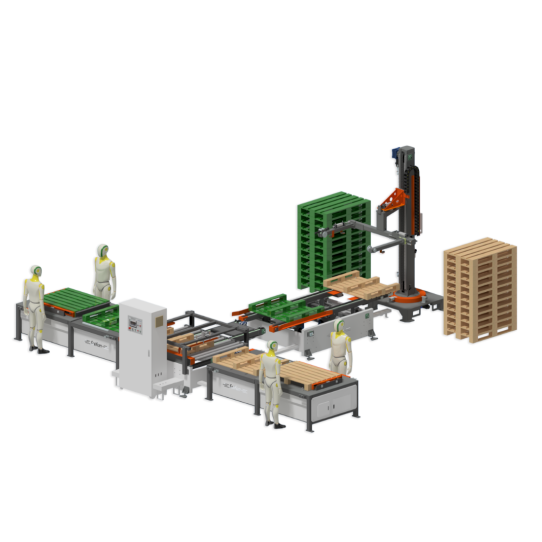
I、Workstation Layout
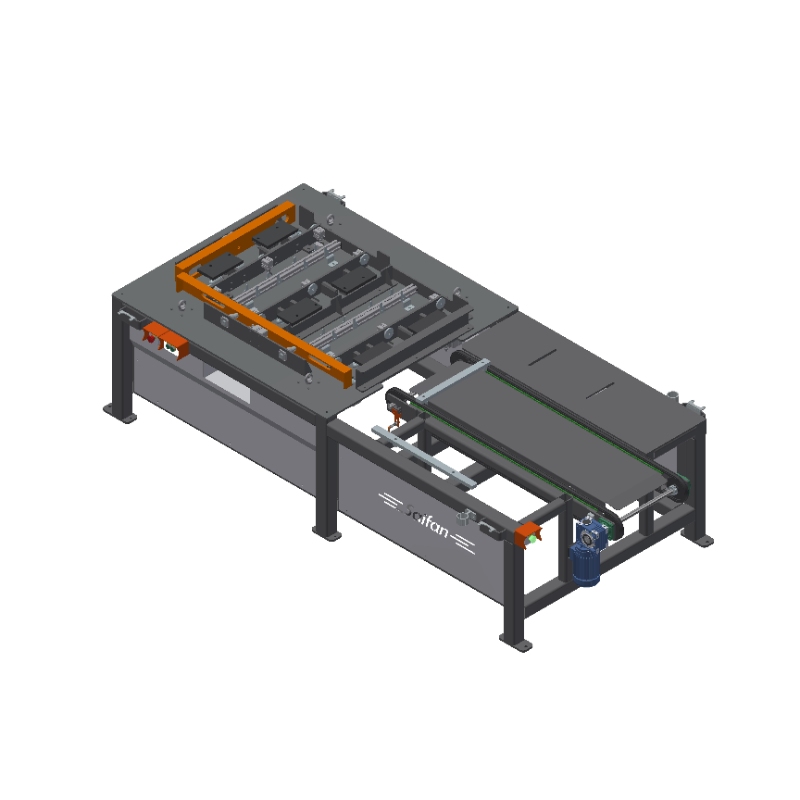 |
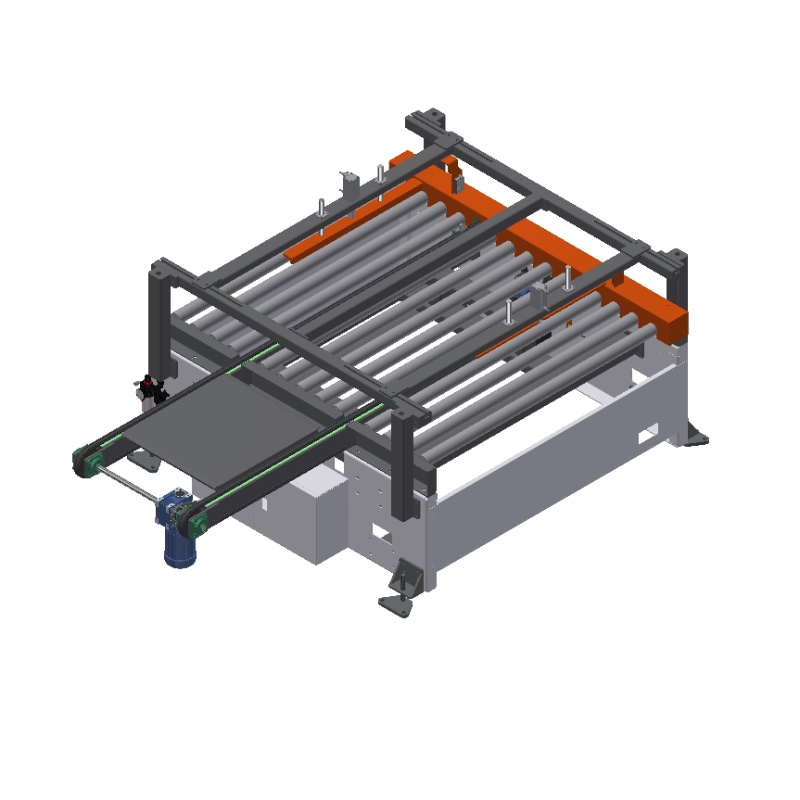 |
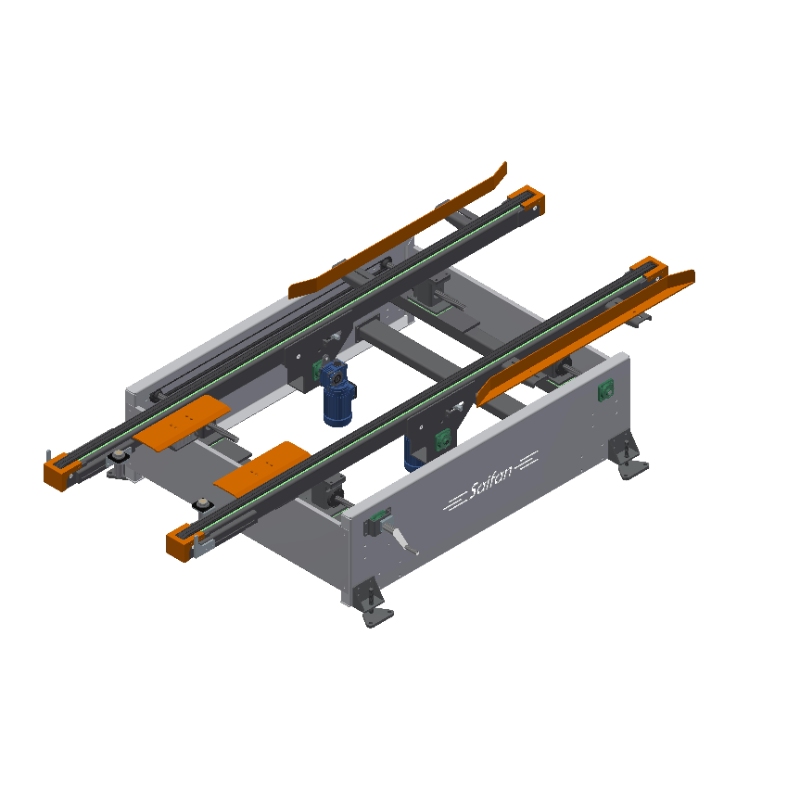 |
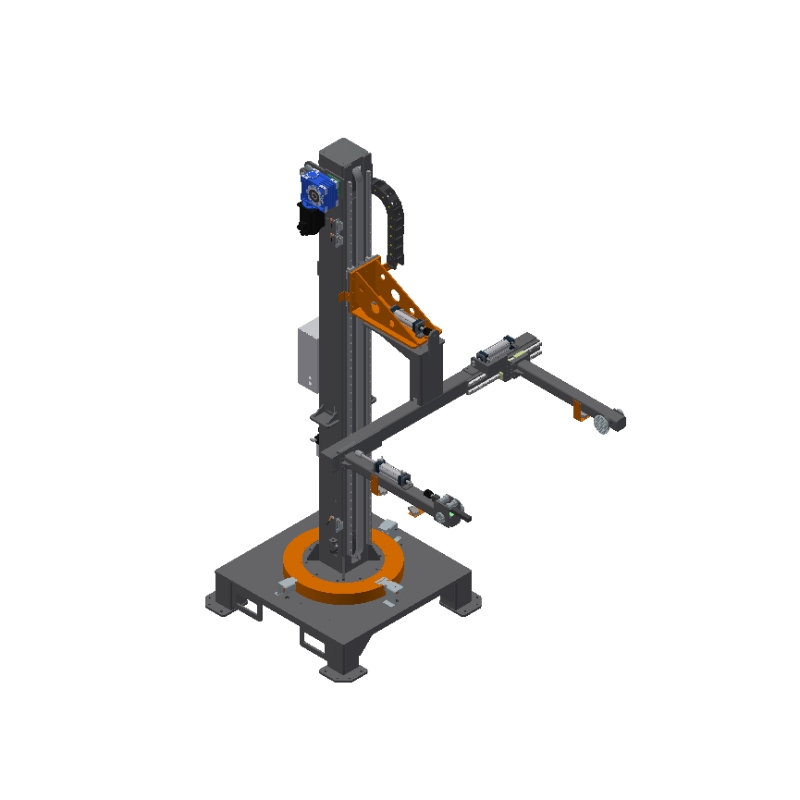 |
| Pallet Nailing Station | Turning Station | Receiving Conveyor Platform | Stacking Station |
II. Operating Procedures
- Startup: Confirm the correct power input and power on the equipment.
- Reset: Long-press the reset button for 3 seconds to reset the system; the robotic arm will move to the upper limit to find its position. Long-press the button again for 3 seconds; the robotic arm will rotate to the right limit and then return to the origin position. (Note: System reset/homing is mandatory after every restart.)
- Mold Installation: Install the corresponding molds on the nailing platform and connect the pneumatic hoses according to the labels.
- Station Adjustment: Adjust the blocking and guiding mechanisms on the turning station and discharge conveyor platform.
- Robotic Arm: Adjust the clamping width of the robotic arm based on the pallet dimensions.
- Discharge Platform: If the pallet widths processed on the two nailing platforms are inconsistent, utilize and adjust the position of the blocking cylinders.
- Stacking Setup: Set the pick-up height and rotation position at the stacking station based on the pallet height. Ensure the arm grabs the center of the pallet to maintain stability during flipping.
- Pressure Regulation: Set air pressure to 0.7 MPa for the stacking station, 0.6 MPa for the turning station, and 0.4–0.5 MPa for the nailing platform station.
- Production Start: Verify all station displays are normal, then click the "Start" button to begin production.
III. Production Steps
- Recipe Creation: Create the required processing recipe (configuration) for the pallets.
- System Ready: Ensure the equipment is reset and fault-free, then start the device.
- Nailing Process:
- Workers load wood into the mold and click the "Positioning" button.
- Perform front-side nailing using the pneumatic nail gun.Click the "Lift" button to raise the pallet for manual flipping.
- Nail the back side on the platform. Ensure the bottom boards are aligned for smooth gripping during rotation.
- Click the "Platform Start" button.
- Stacking Completion: Once the stack is full, remove the finished pallets and reset the stacking count on the screen to zero.
- Monitoring: If the system prompts "Cylinder not in position," immediately check the air pressure or inspect the sensor mounting screws for looseness.
- Fault Recovery: If a pallet is not flipped correctly during stacking and triggers an alarm, manually align the pallet and press the "Start" button to resume.
- Safety Interrupt: If an obstruction is detected on either side while the robotic arm is rotating, the equipment will pause automatically. Clear the obstruction and press "Start" to resume the operation.